Fire TV App
Install PokerCast TV from the Amazon Appstore.
PokerCast TV turns your Fire Stick or Fire TV into a full-screen room display for existing PokerCast OS customers.
1. Open Amazon Appstore
On your Fire Stick or Fire TV, open the Amazon Appstore.
2. Search PokerCast TV
Find PokerCast TV by PokerCast OS and install the app.
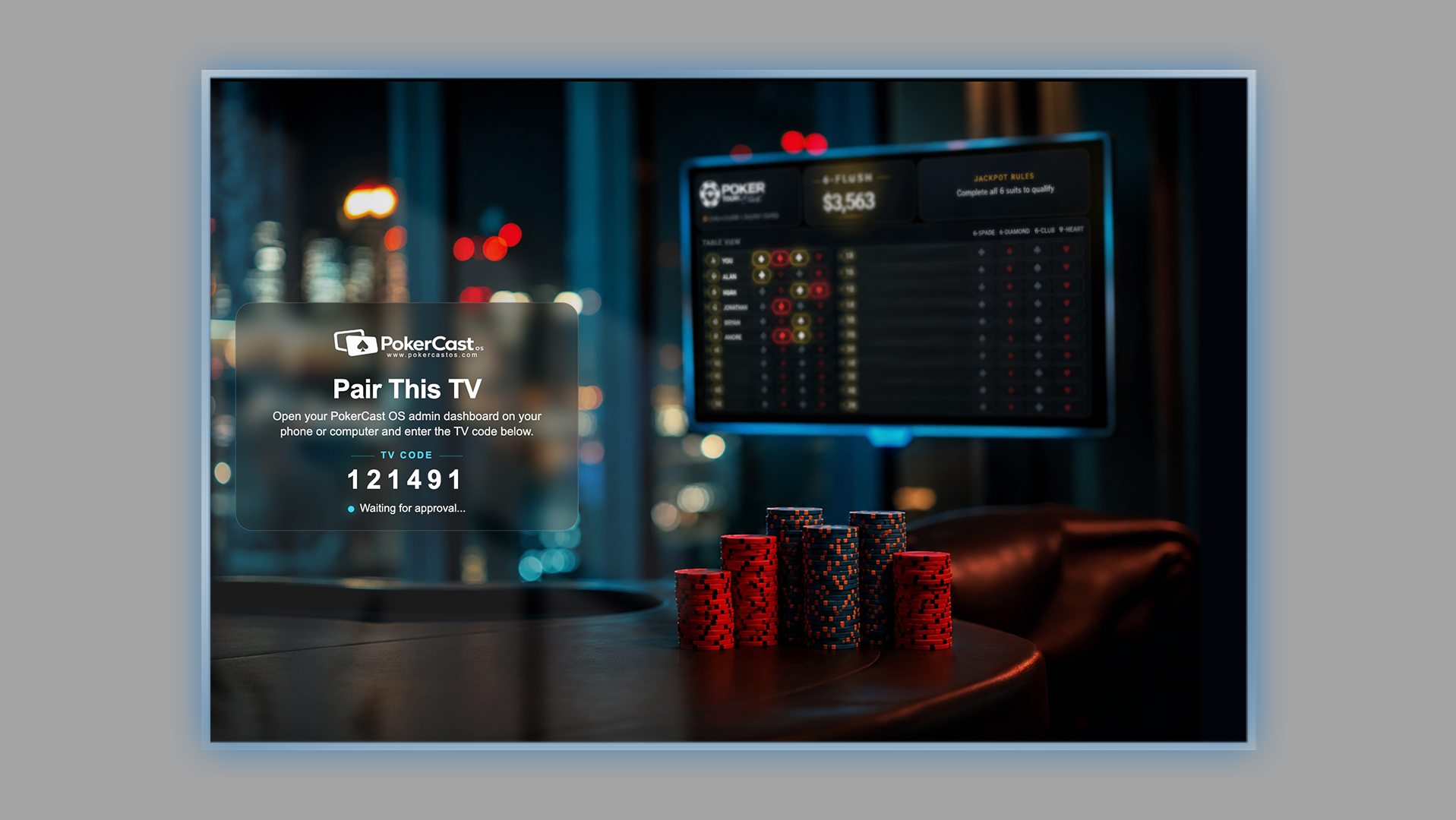
3. Enter the TV code
Open PokerCast TV and enter the TV code from your PokerCast OS admin dashboard.
PokerCast TV is a companion display app for existing PokerCast OS customers. It does not process payments, accept wagers, operate games, or manage payouts.
Advanced manual install option
Manual APK download is available for sideload testing or advanced installs. Most Fire TV users should install from the Amazon Appstore.
Download APK manually